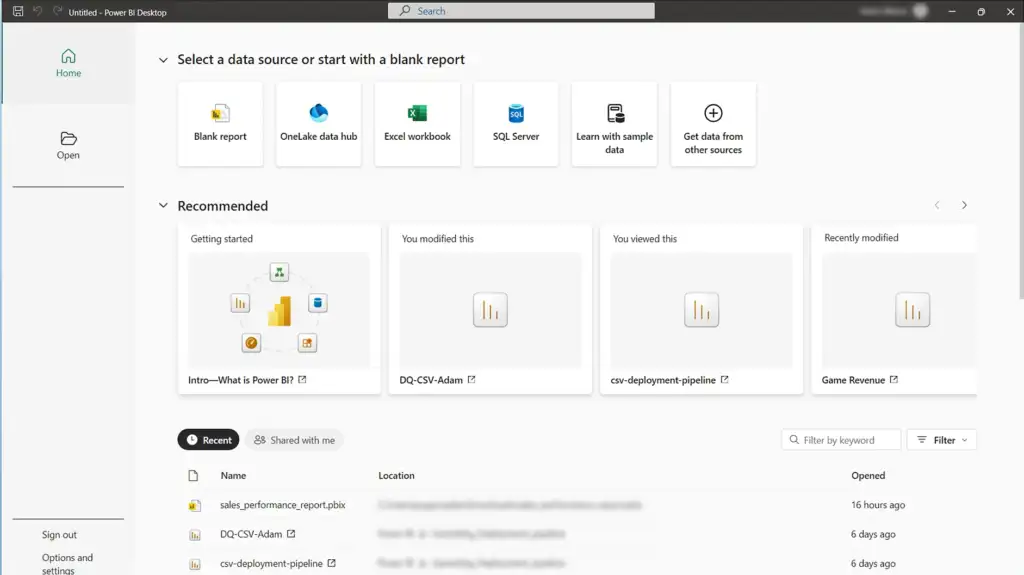
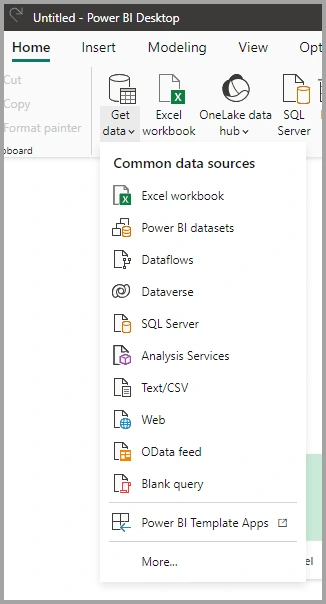
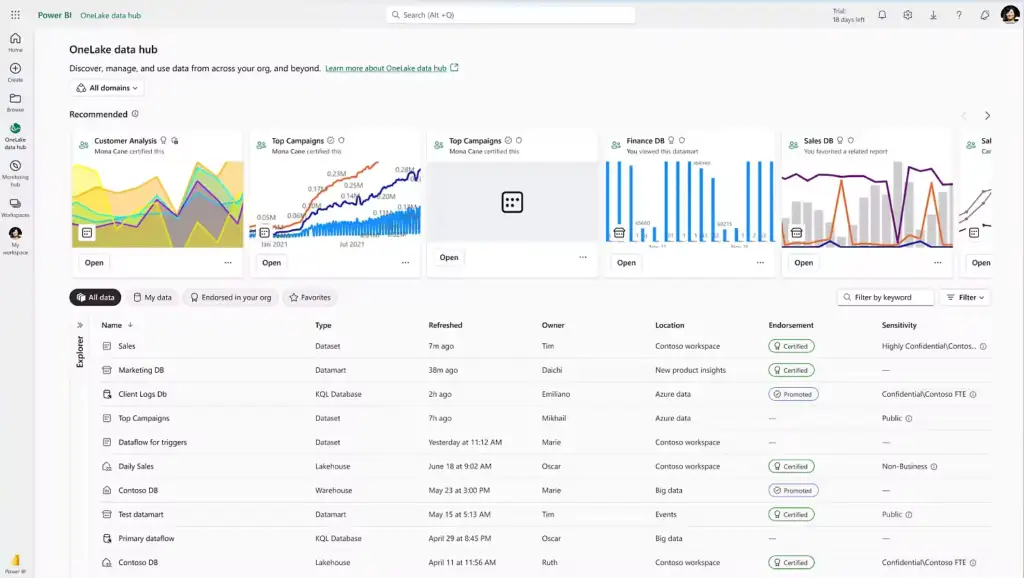
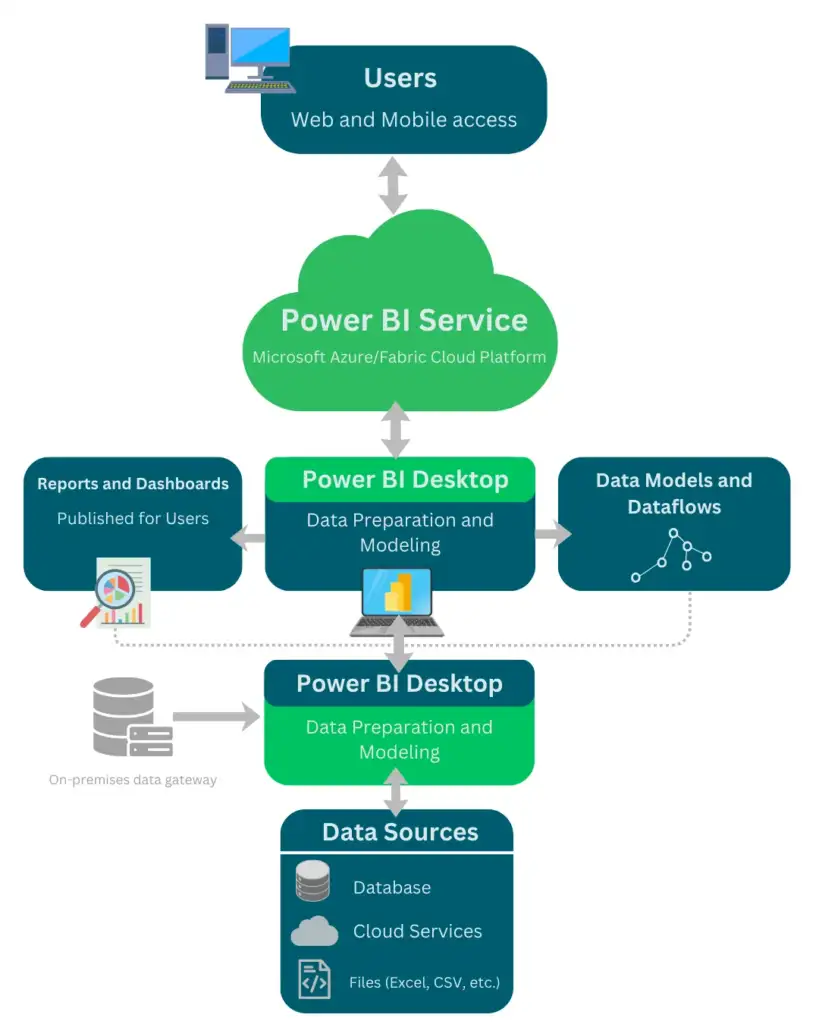
Power BI supports connectivity to a wide range of data sources, allowing users to analyze data from different systems within a single reporting environment. These data sources can be cloud-based, on-premises, or file-based.
File-Based Data Sources
The platform can connect to local and shared files, including Excel workbooks, CSV files, XML files, and text files. These sources are commonly used for importing structured and semi-structured data.
Database Data Sources
It supports connections to relational and analytical databases such as SQL Server, Oracle, MySQL, PostgreSQL, and other enterprise data platforms. Data can be imported or accessed through live connections, depending on the source.
Cloud and Online Services
The platform provides built-in connectors for cloud services and online applications, including Azure services, SharePoint, Dynamics 365, and other SaaS platforms. These connectors allow direct access to cloud-hosted data.
On-Premises Data Sources
For data stored within local infrastructure, it can securely access on-premises systems using the on-premises data gateway. This enables integration with internal databases and applications that are not exposed to the cloud.






 Visual production planner
 Permission matrix
 AI Attachment Auto-filler
 Field sales