


What Is Microsoft Copilot Studio?
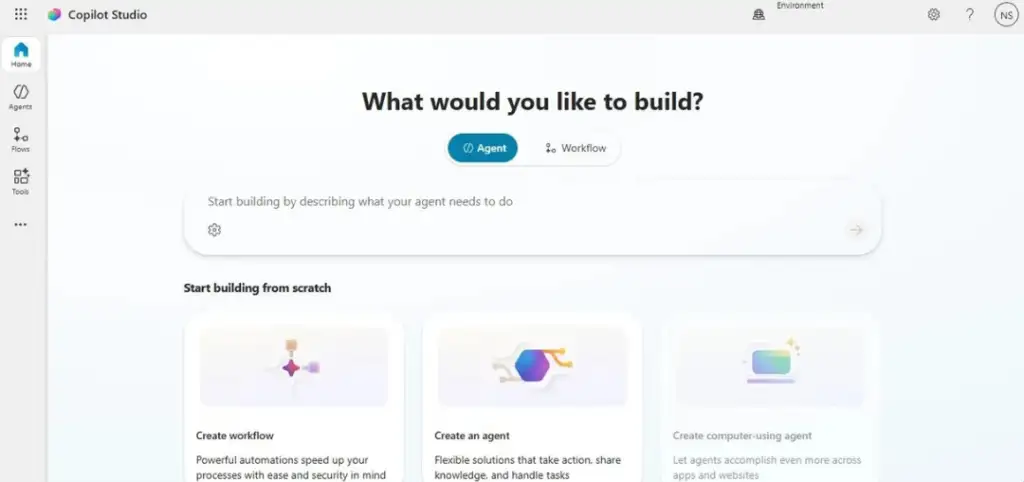
Microsoft Copilot Studio is a tool for creating your own AI assistants. It gives you a simple space to shape how your Copilot works and how it fits into your daily processes. You decide the instructions, the tone, and the role each Copilot plays in your organisation.
It gives businesses a structured way to bring AI into real workflows without changing existing systems. You can introduce AI at your own pace, test it with a small group, and refine it before wider use. This keeps the rollout controlled and predictable.
Copilot Studio also helps teams keep AI aligned with internal rules. It supports your security standards, your data boundaries, and your compliance needs. This ensures every Copilot you create works within the guardrails your organisation already trusts.
Core Functions of Microsoft Copilot Studio
Microsoft Copilot Studio gives you the tools to design, build, and manage AI agents that match your business rules. It brings conversation design, data access, orchestration, and governance into one environment so you can create predictable and secure Copilots at scale.
Visual Builder for Dialogs and Logic
Copilot Studio includes a visual canvas that lets you design conversations, set logic, define variables, and test responses in real time. It supports templates, multilingual dialogs, and structured authoring tools that help you build clear and reliable interactions.
Deep Data Connectivity
You can connect your Copilot to your business data through more than a thousand prebuilt connectors. Copilot Studio also supports custom connectors and the Model Context Protocol (MCP), which gives agents controlled access to structured enterprise functions for accurate, predictable calls.
Multi‑Step Orchestration
Security and Governance
Operations Management
Support operational needs such as project management, service management, and manufacturing, depending on business requirements.
Reporting and Visibility
Access real-time data across finance and operations to support reporting and informed decision-making.
How Microsoft Copilot Studio Works
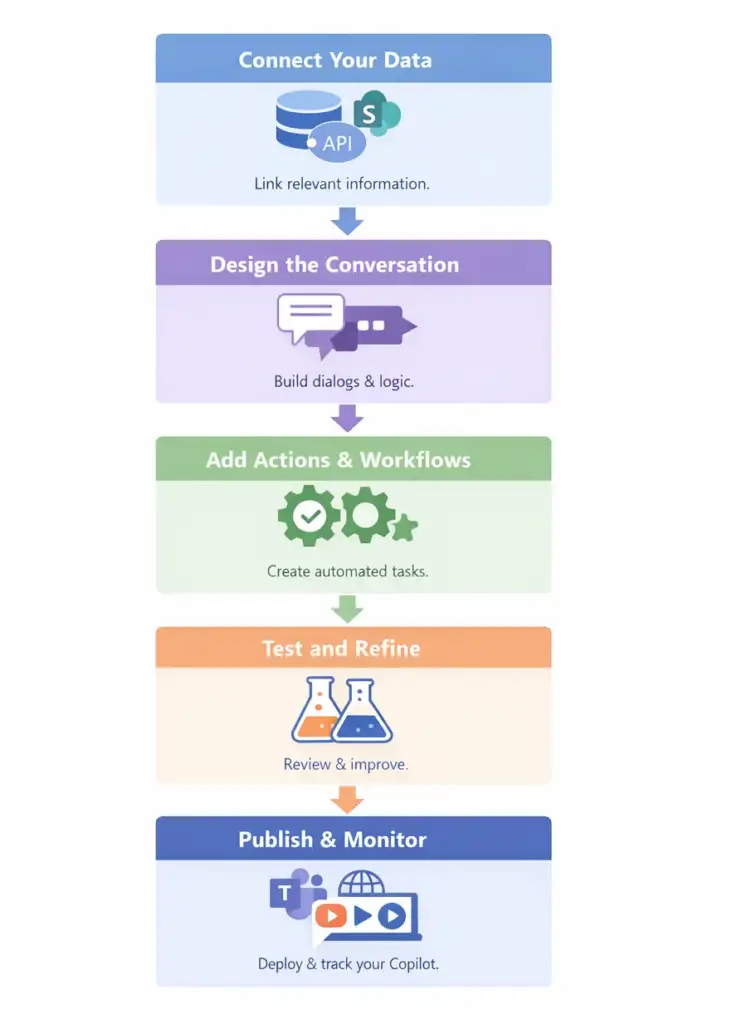
Copilot Studio gives you a clear path to design, build, and deploy AI agents. The workflow follows a simple sequence: connect your data, shape your Copilot’s behavior, add actions, and publish it where your users work. This helps teams move from idea to working agent without complex setup.
Connect Your Data
You start by linking the Copilot to the information it needs. The platform supports more than a thousand prebuilt connectors, custom connectors, and structured access through the Model Context Protocol (MCP). This gives your Copilot the context it needs to answer questions and act with accuracy.
Design the Conversation
Next, you shape how the Copilot interacts with users. The visual canvas lets you build dialogs, set instructions, define variables, and create logic for each step. You can test responses in real time and refine them as you go.
Add Actions and Workflows
You can add actions that let the Copilot trigger processes or update systems. Copilot Studio supports multi‑step orchestration, custom actions, and routing across tools and APIs. This allows your agent to handle tasks from simple look‑ups to full workflows.
Test and Refine
Before publishing, you test how the Copilot behaves in real scenarios. The built‑in test panel lets you check logic, adjust prompts, and confirm that the agent handles each path as expected. This step ensures reliability before rollout.
Publish to Your Channels
Once ready, you can deploy your Copilot to Microsoft Teams, websites, internal apps, or other channels supported by your organisation. This makes it available where people already work.
Monitor and Manage
After publishing, you can track usage, review performance, and update your Copilot as your needs change. Governance tools help you manage access, apply your security rules, and maintain consistent behavior across agents.
Benefits of Using Microsoft Copilot Studio
Copilot Studio helps organisations bring AI into daily work in a controlled, practical way. It reduces manual effort, improves response times, and supports teams with consistent, reliable guidance. Each Copilot follows your rules, so you get the value of AI without losing oversight.
Lower Operational Effort
Copilot Studio reduces repetitive work across departments. Tasks that take time, such as answering common questions or handling basic updates, can be managed by an agent. This frees teams to focus on work that needs human judgement.
Faster Access to Information
Employees get clear answers without searching through documents or systems. A Copilot can surface the right information from your internal sources in seconds, which helps staff make decisions faster and with more accuracy.
Consistent Support Across Teams
Every Copilot delivers the same answer to the same question. This removes guesswork and helps teams follow standard processes. It also ensures users get reliable, repeatable guidance at any time.
Better Customer and Employee Experience
Customers and employees get quick, clear responses. They can complete common tasks without waiting, which improves satisfaction and reduces pressure on support teams.
Scalable AI Adoption
Copilot Studio fits into your existing Microsoft environment. This lets organisations roll out AI step‑by‑step without redesigning systems. IT can manage agents centrally and apply the same controls across all teams.
Strong Security and Compliance
Copilots run within your organisation’s security model. Data access, permissions, and boundaries follow your rules. This helps businesses adopt AI while maintaining trust and compliance.
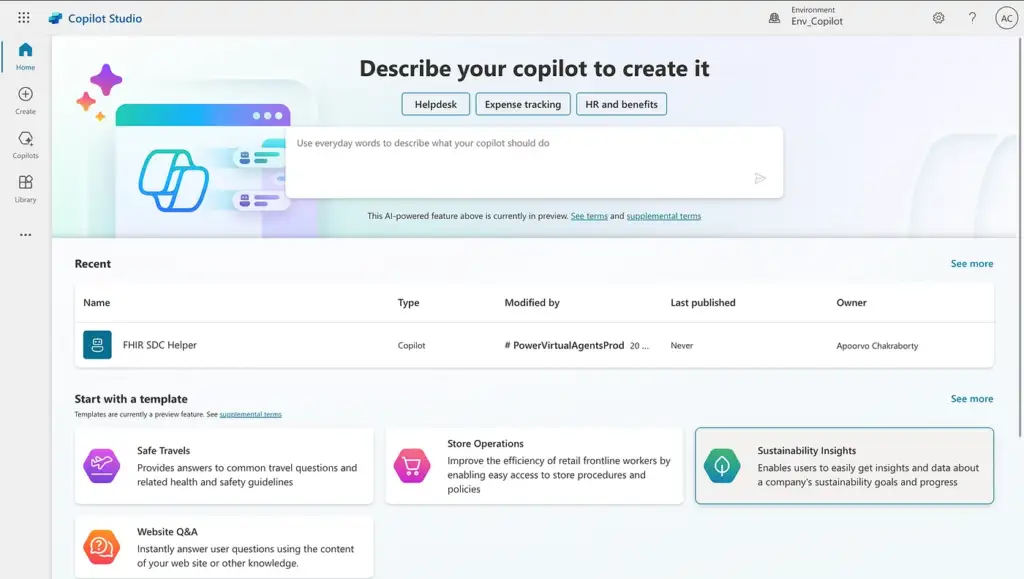
Bring Copilot To You Organization
Build a custom Copilot that fits your workflows, reduces manual tasks, and delivers fast, reliable support where your teams need it.
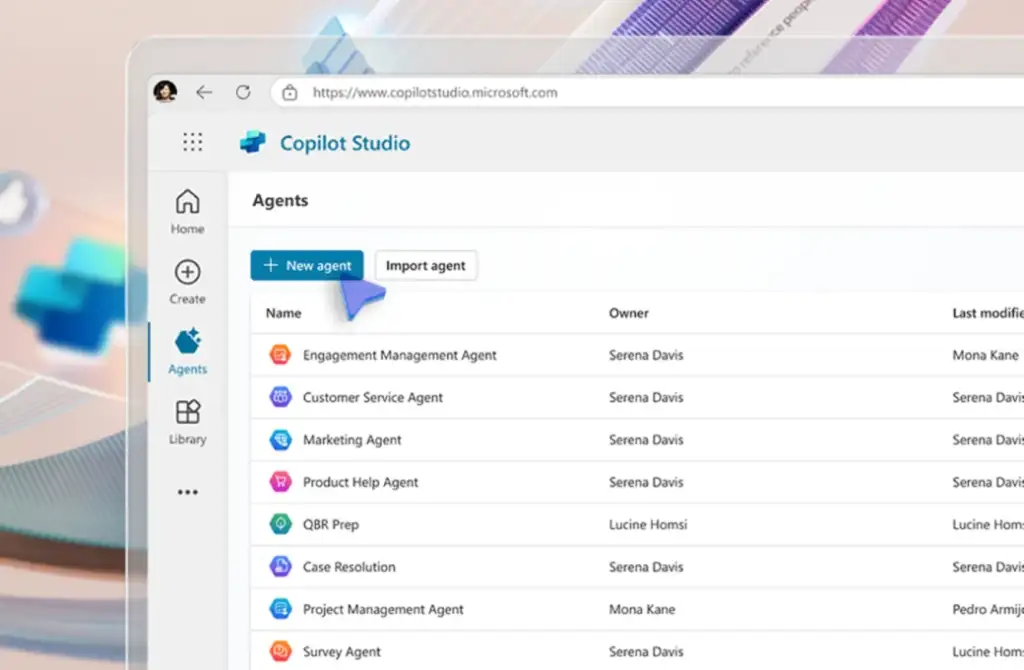
Where Copilot Studio Fits in Your Work
Organisations use Microsoft Copilot Studio to support employees, serve customers, and streamline daily operations. These scenarios show how teams apply the platform to real tasks that need clear answers, faster processes, and consistent guidance.
Customer Service Automation
Businesses build Copilots that handle FAQs, guide users through common issues, and escalate complex cases. This reduces support costs and shortens response times.
Employee IT and HR Helpdesk
IT and HR teams use Copilot Studio to respond to routine requests, interpret policies, and manage common tasks like access checks or leave questions. This improves resolution speed and reduces ticket volume.
Onboarding and Training Support
Organisations create Copilots that guide new employees through setup steps, training content, and internal processes. This makes onboarding faster and more consistent.
Knowledge Search for Internal Teams
Copilot Studio helps employees find specific answers from SharePoint, Teams, and other internal sources. This reduces time spent searching documents and improves accuracy.
Automated Workflows and Approvals
Teams use Copilots to trigger workflows, run actions, and automate repetitive tasks using natural language. This removes manual steps and speeds up processes.
Sales and Marketing Assistance
Sales teams use Copilot Studio to access product information, pricing, and customer details. Marketing teams use it to support campaign tasks and follow‑ups.
Public Sector and Citizen Services
Cities and public organisations deploy Copilots to help citizens access services, find information, and navigate public programs.
Pricing and Licensing Overview
Microsoft Copilot Studio uses a credit‑based model that lets organisations choose how they pay and scale their usage.
Included Access with Microsoft 365 Copilot:
Users with a Microsoft 365 Copilot licence can use Copilot Studio to build and run internal agents at no extra cost. This covers agents used only inside Microsoft 365 apps.Prepaid Copilot Credit Packs:
Organisations can buy prepaid Copilot Credits through a standalone Copilot Studio subscription. This offers predictable monthly spending and supports publishing agents to internal and external channels.Pay‑As‑You‑Go Billing:
Copilot Studio can be billed through an Azure subscription where you pay only for the credits consumed each month. This is ideal for pilots, small projects, or variable usage.Credit‑Based Consumption Model:
All Copilot Studio actions consume Copilot Credits. Organisations can purchase credits through pay‑as‑you‑go, prepaid packs, or annual plans, depending on their usage needs.Publishing to External Channels:
Publishing agents to websites, customer portals, or apps requires a standalone Copilot Studio plan, as internal M365 licences only cover internal use.Trial and Free Azure Credit:
Teams can start with a Copilot Studio trial or use a $200 Azure credit to begin building and testing agents before committing to a plan.


How We Help You Implement Copilot Studio
We guide your organization through the full process of adopting Copilot Studio in a simple and structured way. We begin by understanding your goals, the tasks you want to improve, and the data your teams rely on. And we help you on how to use this platform in the most efficient way.
Copilot Studio FAQ
You can build: Custom AI agents customized to business needs. Conversational bots using low‑code authoring. Autonomous workflows using generative actions. Integrations with plugins for tools, apps, or line-of-business systems. Extensions to Microsoft 365 Copilot (e.g., specialized agents).
Microsoft Copilot is the AI assistant built into Microsoft 365 apps that helps users draft, summarize, analyze, and automate tasks. Copilot Studio is the platform for creating and customizing AI agents, connecting them to data, adding business logic, and extending Microsoft 365 Copilot with specialized capabilities.
No. Copilot Studio uses a low‑code authoring canvas, allowing makers to design dialogues, topics, and workflows visually. Technical users can add advanced plugins and integrations as needed.